


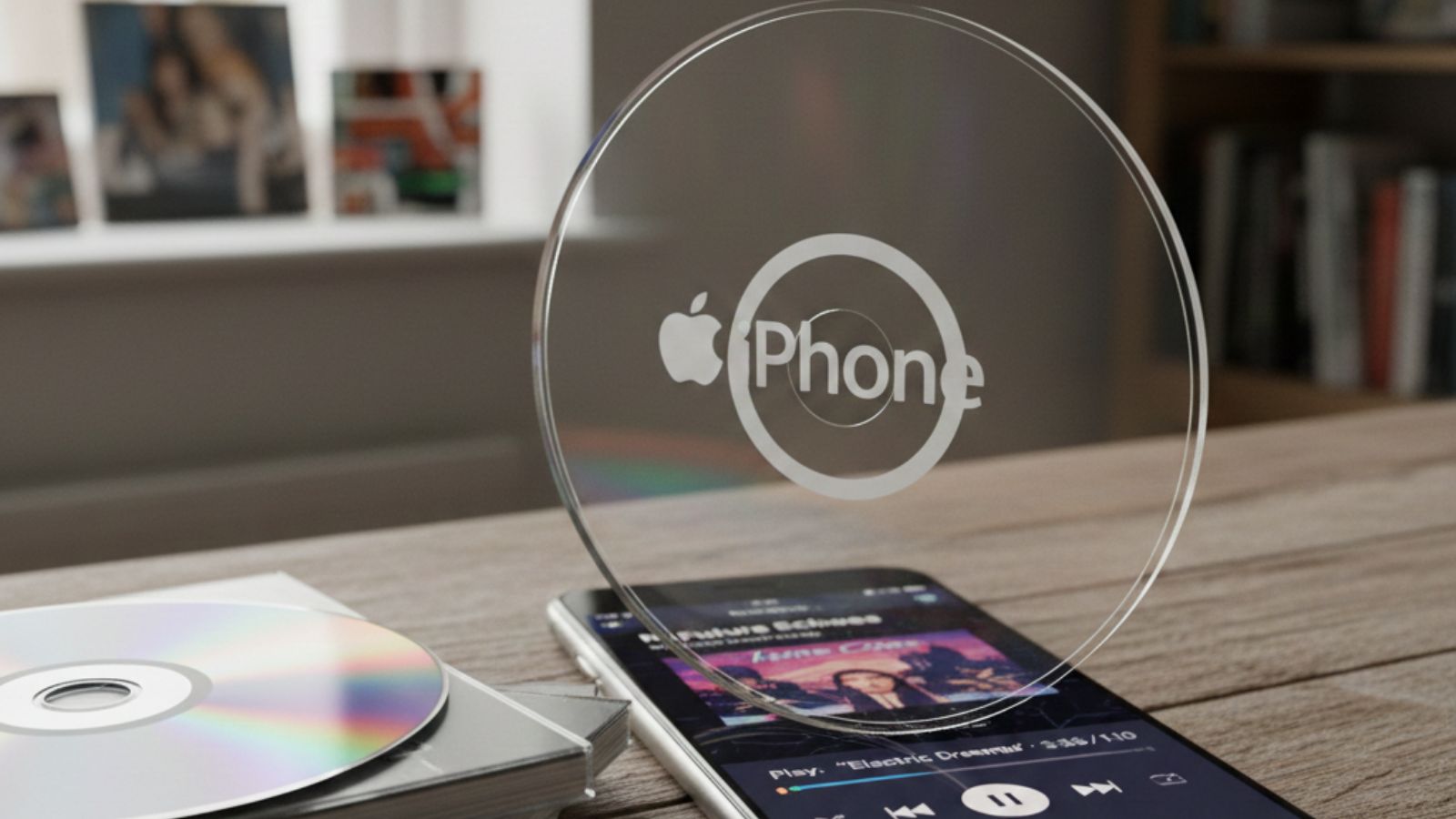
The convergence of CD technology and iPhone capabilities represents a fascinating intersection of music history. While the CD iPhone concept might seem contradictory—one format declining, the other thriving—understanding how to bring your CD collection to your iPhone opens up a world of musical possibilities. This guide explores why CDs remain relevant and how to seamlessly transfer your collection to your iPhone.
CDs in Music History
Compact Discs revolutionized music consumption when they debuted in 1982. Before CDs, music lovers relied on vinyl records and cassette tapes, both prone to wear and degradation. CDs offered superior sound quality, durability, and convenience, quickly becoming the gold standard for music distribution throughout the 1980s and 1990s.
The Peak and Decline of CDs
CD sales peaked in 2000, with nearly 950 million units sold in the United States alone. However, the introduction of digital downloads and streaming services triggered a steady decline. By 2020, CD sales had dropped to around 40 million units annually. Despite this decline, CDs haven’t disappeared—they’ve found a dedicated niche market among audiophiles and collectors who appreciate their unique qualities.
The History of the iPhone
Apple launched the iPhone in 2007, fundamentally transforming how we consume media. The device combined a phone, iPod, and internet communicator into one revolutionary package. As iPhone technology evolved, it gradually eliminated physical media connections, including the headphone jack in 2016. This shift toward wireless and cloud-based solutions made the CD iPhone combination seem incompatible at first glance.
Why People Still Love CDs
1. Excellent Sound Quality
CDs deliver uncompressed audio at 1411 kbps, significantly higher than most streaming services that compress files to 256-320 kbps. Audiophiles notice the difference, especially when using high-quality headphones or speakers. The CD iPhone combination allows you to enjoy this superior quality on the go.
2. True Ownership
When you buy a CD, you own the music permanently. Streaming services can remove songs, albums can disappear from platforms, and subscription lapses mean losing access. CDs provide complete ownership independent of internet connectivity or subscription fees.
3. Tangible Experience
Physical CDs offer album artwork, liner notes, and lyrics that create a deeper connection with the music. The ritual of selecting a CD, opening the case, and reading the booklet enhances the listening experience in ways digital formats cannot replicate.
4. Collector’s Appeal
Limited editions, special packaging, and signed copies make CDs valuable collectibles. Some releases become rare over time, increasing in value. The CD iPhone workflow lets collectors preserve their physical media while enjoying digital convenience.
5. Affordable and Durable
Used CDs cost pennies compared to digital purchases or streaming subscriptions. They’re also remarkably durable—properly stored CDs can last decades without quality degradation, unlike digital files that depend on functioning hard drives and backups.
6. Support for Artists
Purchasing CDs, especially from independent artists, provides better compensation than streaming, where artists earn fractions of a cent per play. Many musicians rely on physical sales at concerts and through direct channels.
Portable Speakers
Modern portable Bluetooth speakers pair perfectly with iPhones loaded with CD music, creating powerful sound systems for any environment without requiring physical CD players.
How to Get CD Music on Your iPhone
1. Using iTunes or the Music App
The most straightforward CD iPhone transfer method involves using a computer:
- Insert your CD into your computer’s disc drive
- Open iTunes (on older systems) or the Music app (macOS Catalina and later)
- iTunes will recognize the CD and display the track list
- Click “Import CD” to convert tracks to digital format
- Select your preferred quality settings (AAC, MP3, or Apple Lossless)
- Connect your iPhone to the computer
- Sync the imported music to your iPhone through the Music app or Finder
2. Using iCloud or Apple Music
Apple Music subscribers can upload their CD collections to iCloud Music Library:
- Import CDs to your computer’s Music library
- Enable iCloud Music Library in your Music app preferences
- Your music syncs automatically across all devices signed into your Apple ID
- Access your CD collection on your iPhone without physical connection
3. Using a USB Drive
For those without internal disc drives, external USB CD drives provide an alternative:
- Connect an external USB CD drive to your computer
- Follow the same import process through iTunes or Music app
- Transfer files to your iPhone via sync
4. Using Third-Party Apps
Several applications offer CD iPhone transfer capabilities:
- Apps like VLC, Documents, or cloud storage services (Google Drive, Dropbox)
- Import CDs to your computer, save files to cloud storage
- Access through compatible iPhone apps
- Some apps support additional formats beyond Apple’s native options
Why You Can’t Connect a CD Drive to an iPhone
1. No Space
iPhones are engineered for extreme portability and slimness. Internal components are tightly packed, leaving zero room for CD drive mechanisms. Even external connections face limitations due to the iPhone’s compact design philosophy.
2. Power and Connection Limits
CD drives require substantial power to spin discs at high speeds. iPhones lack the power output through Lightning or USB-C ports to support external CD drives effectively. The battery drain would be enormous and impractical.
3. Missing Software
iOS doesn’t include software to read optical media. The operating system is designed exclusively for digital, cloud, and streaming content. Apple would need to develop entirely new frameworks to support CD reading, which contradicts their digital-first strategy.
4. Outdated Technology
Apple abandoned optical drives in MacBooks in 2008 and has never looked back. Including CD support in iPhones would contradict Apple’s vision of a wireless, cloud-connected future. The company focuses on forward-looking technologies rather than legacy support.
5. Physical and Battery Concerns
A functioning CD drive would require significant physical space, add weight, create potential mechanical failure points, and drain battery life rapidly. These compromises conflict with iPhone design priorities of thinness, reliability, and battery longevity.
Future Possibilities
While direct CD iPhone connectivity seems unlikely, hybrid solutions may emerge. Wireless CD drives that connect via Wi-Fi could provide on-the-go ripping capabilities. Enhanced cloud services might streamline CD collection digitization. As technology evolves, new bridges between physical and digital media could develop, preserving the best of both worlds.
Conclusion
The CD iPhone relationship demonstrates how older and newer technologies can coexist productively. While you cannot directly connect a CD drive to an iPhone, transferring your CD collection to your device preserves audio quality, ownership rights, and personal music libraries. CDs continue offering unique advantages that complement iPhone capabilities, proving that sometimes the best solution combines classic and contemporary approaches. Whether you’re an audiophile, collector, or simply someone who values music ownership, understanding the CD iPhone connection opens doors to richer musical experiences.
